88cash App for Android: Download the APK, Install It, Play
The 88cash app puts the cashier, the cricket board and the game lobby on one screen, so a bKash top-up takes a few taps instead of a browser tab. It runs on Android 8.0 and newer. Tap Download APK, install the file, and sign in with the details you already use on the site.
On a computer? Scan the QR code further down and the same APK file opens on your phone.
Get the 88cash App onto your Android phone
- 32 MB download. The whole lobby fits in a file smaller than most photo albums, so it suits handsets with tight storage.
- Cashier on the same screen. bKash, Nagad, Rocket and Upay top-ups are normally credited in about 3 minutes without leaving the app.
- Cricket while you play. Scores and markets stay one tap away, so you can follow a match and keep a bet slip open.
- One source for updates. Every build is published on 88cash.lol. We do not push files through file-sharing links.
Install the APK in five short steps
The 88cash app is not distributed through Play Store, so Android asks you to allow one browser to install files. That is a single toggle, and you can switch it back off afterwards. The rest is tapping.
-
1
Allow installs from your browser
Open Settings, go to Security, then Install unknown apps. Pick the browser you will download with, such as Chrome, and turn the toggle on. Android shows this warning for every app that does not come from Play Store, so the screen is expected.
-
2
Download the file on a steady connection
Tap Download APK on this page. The file is 32 MB, which takes a moment on mobile data and less on Wi-Fi. Leave it in your Downloads folder until the install finishes, and do not rename it.
-
3
Run the installer
Open Downloads, tap 88cash.apk, then Install. If a Play Protect window appears, choose Install anyway. Setup takes a few seconds and ends with an Open button, after which the icon sits on your home screen.
-
4
Sign in or create your account
Use your mobile number and password on the login screen. New here? Register inside the app with a phone number, a password and your currency, then deposit from the cashier tab to unlock the welcome offer.
-
5
Switch unknown sources back off
Return to Install unknown apps and turn the browser toggle off. You only needed it for this one file. Leaving it off stops other downloads on the phone from installing themselves quietly, which is worth the ten seconds.
On iPhone? Add 88cash to your home screen instead
Apple does not allow APK files, so there is no iOS download on this page. Safari can still give the site an icon that opens full screen, which feels close to an app for daily use. The trade-off is that it needs a connection and it updates with the site rather than on its own.
If you mostly play on an iPhone, keep the browser version and use the same login details as on Android. Your balance, bonuses and VIP level follow the account, not the device.
Add to home screen in Safari
- Open 88cash.lol in Safari, not inside a social app browser.
- Tap the Share button in the toolbar at the bottom.
- Scroll the list and choose Add to Home Screen.
- Name the shortcut 88cash and tap Add.
What the app opens for you
Six things you reach faster once the icon is on the home screen. Everything below is the same account you already use in the browser.
Cashier without the address bar
Deposit and withdraw inside the app. The minimum deposit is ৳200, mobile wallet top-ups are usually credited within 3 minutes, and the balance updates on the same screen.
Cricket and football board
Local and international cricket, football and tennis sit on one board. Prices move while the match runs, and the bet slip stays open so you can add a market mid-over.
1,500 games from five studios
Slots, live tables, fishing and crash titles from FA Chai, PG Soft, JILI, KA Gaming and Pragmatic Play. The lobby loads inside the app without a browser tab to manage.
Bonus tracking that adds up
The 110% first deposit bonus up to ৳14,500, 25% reloads and 0.6% daily cashback appear in one tab, with the 6x wagering figure and a progress bar next to each one.
Withdrawal requests that move
Ask for a payout and it is normally settled in about 42 minutes. The minimum withdrawal is ৳1,200, and the daily ceiling starts at ৳140,000 before VIP levels raise it.
VIP ladder on one panel
Six levels run from Starter to Diamond, each with its own cashback rate and withdrawal limit. The app shows the turnover still needed before the next tier unlocks.
Check the 88cash App file before you install it
These details match the file sitting on our server today. After the download finishes, compare the name, size and version with what your phone shows. If anything differs, delete the file and download again from this page.
| App name | 88cash App (Android) |
| Version | 3.8.0 |
| File name | 88cash.apk |
| File size | 32 MB |
| Android minimum | 8.0 or newer |
| Last updated | 13 November 2026 |
| Price | Free. No subscription and no charge for updates. |
| Languages | English, Bangla |
| Account needed | Yes, the same one used on the website |
The version number matters when you report a problem. Live chat asks for it first, because a fix that works on 3.8.0 may not cover an older copy still sitting on a phone.
Games you can open straight from the app
Two examples from the lobby, both playable from the same balance. Tapping a card takes you to registration if you are not signed in yet.


Stakes in the app start at ৳1 on some titles and reach ৳50,000 on others, so the panel above the reels is worth a look before you spin. The full library sits in the casino lobby.
Top up with bKash without leaving the table
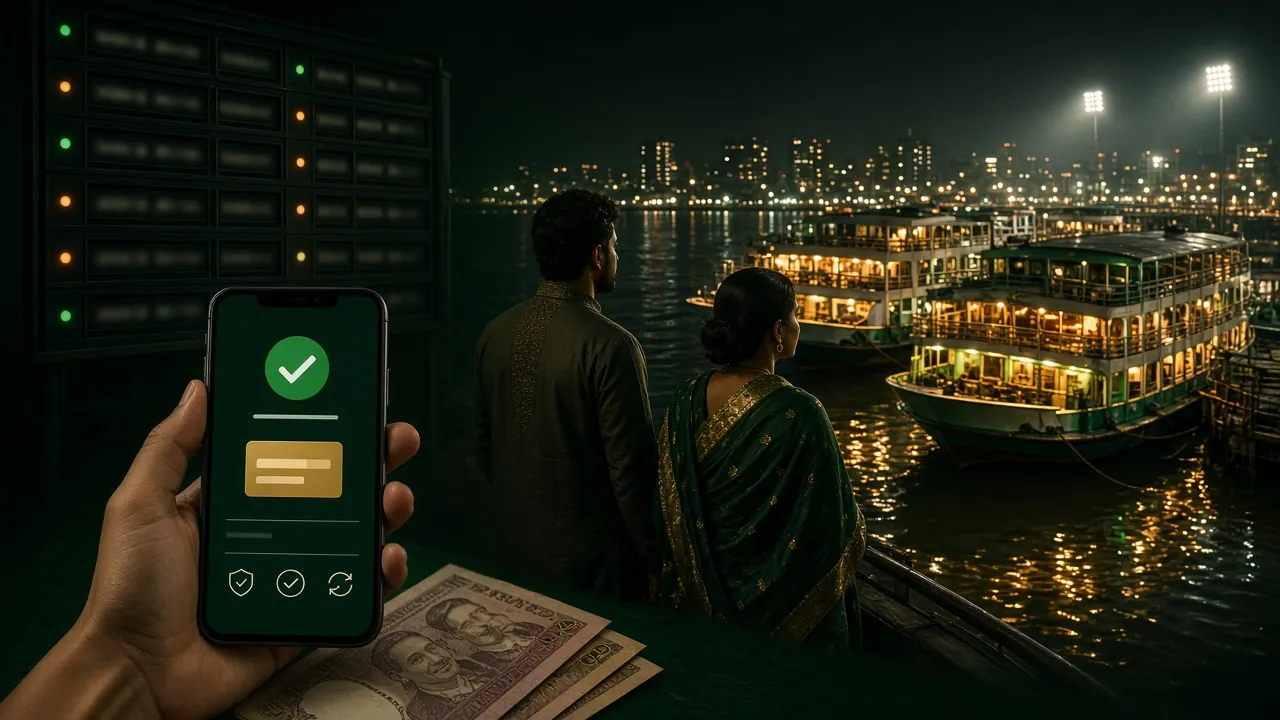
Open the cashier tab, choose bKash, enter an amount and confirm on your phone. The balance normally lands within 3 minutes, and the bet slip you left open is still there when you return.
- Minimum deposit ৳200, minimum withdrawal ৳1,200.
- Nagad, Rocket and Upay sit on the same screen as bKash.
- Withdrawals usually arrive in about 42 minutes, up to ৳140,000 a day at the first tier.
- Step-by-step amounts and limits are in the deposit guide.
App or browser: which one fits your day?
Both routes reach the same account and the same balance. The difference is how many taps stand between you and the cashier, and how much of your data the page loads each visit. If you switch between a phone and a laptop, you can use both.
| What you compare | App (APK) | Browser |
|---|---|---|
| Getting started | One 32 MB download, then an icon on the home screen | Nothing to install, just the address |
| Opening the lobby | Tap the icon, lobby loads from stored files | Type the address or open a bookmark |
| Cashier | bKash, Nagad, Rocket and Upay inside the app | Same cashier, inside a browser tab |
| Live cricket | Score strip stays on screen while you play | Second tab, or back and forward |
| Alerts | Bonus and match notifications if you allow them | None unless the tab is open |
| Storage | 32 MB kept on the phone | Nothing kept after the tab closes |
| Updates | Install the new APK from this page | Always the newest build on load |
| Best for | Daily play on one handset | Quick checks and shared computers |
A practical habit: keep the app on your own phone and use the browser on a shared one. Log out of the browser when you finish, and never leave a session open on a device someone else can pick up.
What the app can access, and why
Installing a file outside Play Store puts the decision in your hands, so here is what the app asks for and what it never needs.
Download only from 88cash.lol
We publish the APK on our own domain and nowhere else. A file called 88cash.apk in a Facebook group, a Telegram channel or a file host is not ours, whatever the screenshot promises.
Storage and network, that is it
The install screen lists storage for lobby images and the bet slip, network access for prices, and notifications if you switch them on. Turn any of them off in system settings and the app still opens.
Your password stays with you
Support never asks for your password or the six-digit bKash code. Anyone who does is not from our team, no matter how the profile looks or how urgent the message sounds.
Housekeeping after install
Delete the old APK from Downloads once the app runs, keep Play Protect scanning on, and add a screen lock if you share the phone. A PIN on the handset protects the wallet too.
When the install refuses to finish
Five problems account for almost every failed setup. Check the cause before you download the file a fourth time, because repeating the same step rarely changes the result.
| What you see | Likely cause | What to do |
|---|---|---|
| App not installed | An older copy of the app is already on the phone | Uninstall the old version, restart the handset, then install 88cash.apk again. Your account lives on our server, so the balance and bonuses stay put. |
| Parse error | The download stopped halfway, so the file is incomplete | Delete the file from Downloads, free some space, and download again on Wi-Fi. A 32 MB file needs room to land before it will open. |
| Download does not start | The browser blocked the file or the connection dropped | Long-press the Download APK button and choose Download link, or open this page in Chrome and tap once more. |
| App opens then closes | Android below 8.0, or a modified copy from a third party | Check the version under Settings, About phone. If it is 8.0 or newer, remove the app and install the file from this page only. |
| Login fails after install | A different number or a mistyped password | Reset the password from the login page, or open a new account if the number is new. Live chat is open around the clock. |
Still stuck? Send support the version number, the phone model and a screenshot of the error. That trio usually shortens the conversation to one reply.
Answers to the install questions we get most
01Is the 88cash App APK safe to install?
02Why does Android warn me about unknown sources?
03Can I use the app on an iPhone or an iPad?
04How do I update to a newer version?
05Do I need a separate 88cash account for the app?
06Will the app eat my mobile data?
07Can I deposit with bKash inside the app?
Your first bKash top-up is one install away
Download the 88cash APK, sign in with your existing details, and the cashier opens on the same screen as the cricket board. If you are new, create the account first and the 110% welcome bonus lands on your first deposit of ৳200 or more.